Power Platform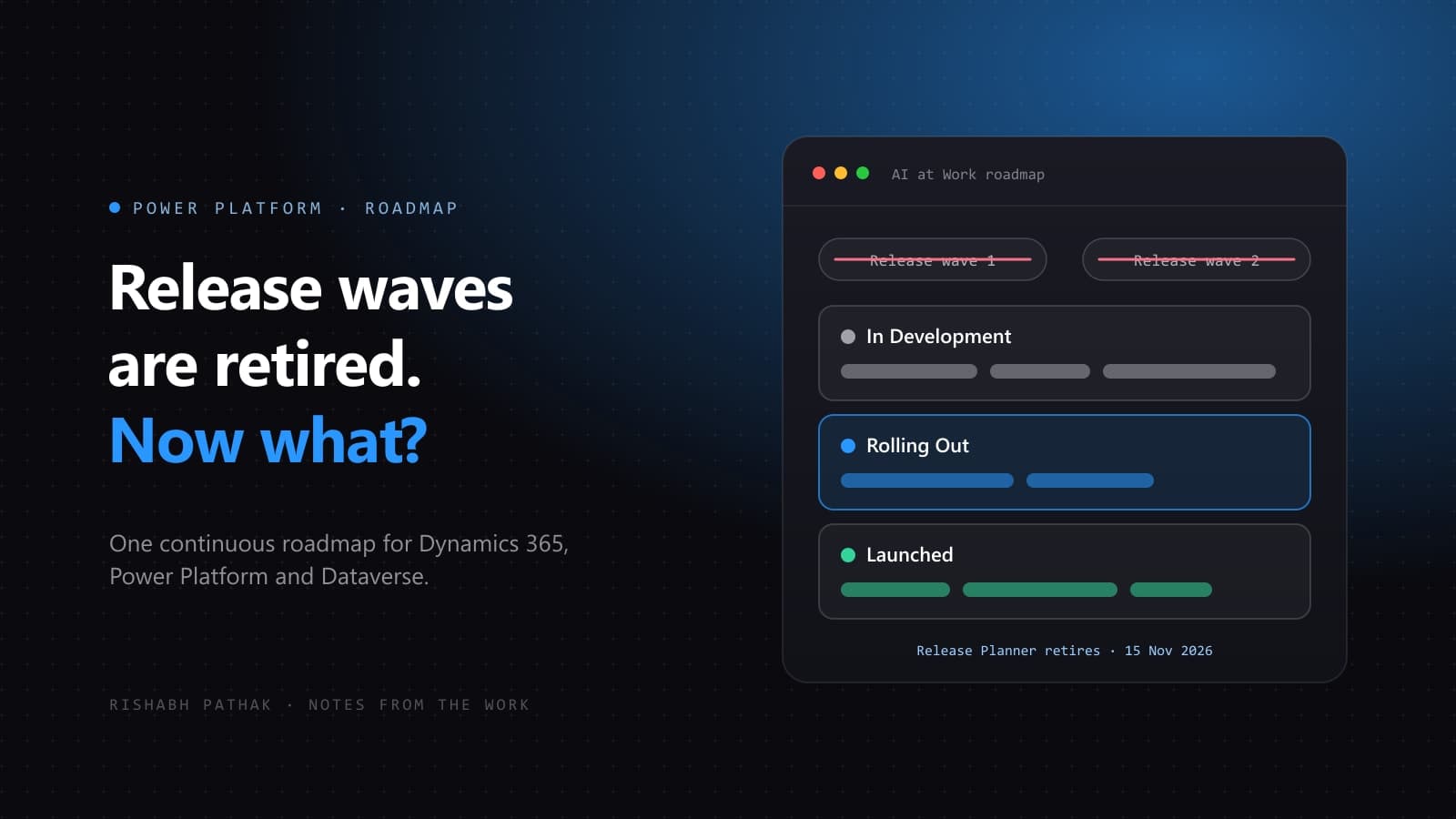
For years, planning on the Power Platform followed a calendar. Release wave 1 covered April to September, release wave 2 covered October to March, and each arrived with release plans on Microsoft Learn, a PDF and the Release Planner. Many teams timed their regression testing, training and change communication around those two moments.
That calendar is gone. On 25 August 2026, Microsoft announced:
Features have not stopped shipping. What changed is how they are announced, and that matters more than it sounds for any team whose process assumes two fixed dates a year.
What actually changed
- No new release plans on Learn. Beginning in September 2026, new Dynamics 365, Power Platform and Dataverse capabilities are no longer published as release plans on Microsoft Learn.
- One roadmap instead. They are published to the AI at Work roadmap.
- Release Planner retires. The transition completes by 15 November 2026, when Release Planner is retired.
- Old plans stay readable. Existing release plans remain available on Learn for historical reference.
How features are disclosed now
Instead of arriving in two batches, each capability moves through three stages on the roadmap: In Development, Rolling Out and Launched.
Microsoft notes that most capabilities will appear on the roadmap sooner than they would have under the wave calendar. That is good news for visibility, but it also means there is no longer a single announcement date that tells a team “this is the moment to review what is coming”.
What quietly breaks
- Wave-based test cycles. A regression plan that says “test in the run-up to the October wave” no longer has an anchor.
- Saved views in Release Planner. Personalized saved views will no longer be available after Release Planner retires.
- Bookmarks and internal documentation. Wiki pages, readiness checklists and onboarding guides that link to wave PDFs or the Release Planner will point at history rather than the current roadmap.
- Change communication. A “what is new this wave” email or session loses its natural rhythm.
What to change this month
Microsoft’s own recommendation is a recurring review built on a saved filter and an RSS subscription. In practice, that turns into five small changes:
- Set a review cadence. Monthly or quarterly, depending on how quickly your organisation adopts new capabilities. Put it in the calendar as a standing meeting, not a one-off.
- Filter to what you run. The roadmap can be filtered to the products that matter to your organisation, such as Power Apps, Power Automate, Dataverse, Business Central or Dynamics 365 Sales. Nobody needs the whole list.
- Subscribe instead of checking. Use the RSS subscription so changes come to you, and keep Message Center as the source for notifications that are specific to your tenant.
- Plan from exports. Export a filtered view to CSV and use it as the working list for testing and training.
- Test on stage changes, not dates. Treat a capability moving to Rolling Out as the signal to try it in a sandbox environment, before it reaches production users.
What stays the same
Message Center remains the place for tenant-relevant change notifications, and sandbox environments are still the right place to meet a change before users do. The difference is that the review now happens on a rhythm your team chooses, rather than one set by two dates a year.
Sources: One always-on roadmap: Dynamics 365, Power Platform and Dataverse join the AI at Work roadmap (Microsoft, 25 August 2026) and the release plan notice on Microsoft Learn.